

Slot
Add a Slot property to your component so designers can insert any child component
Syntax
Prop definition
Define the Slot prop in your Webflow code component with a name. Optionally, you can add a group and tooltip text.
You can use props.Children as an alias for the props.Slot prop type.
Properties
name: The name for the property.group: The group for this property. (optional)tooltip: The tooltip for the property. (optional)
Example
MyComponent.webflow.tsx
Prop value
The Slot prop provides child components to your React component as a single ReactNode object. Use isEmptySlot to detect when a Slot has no children.
PropType.Slot
Properties
n/a
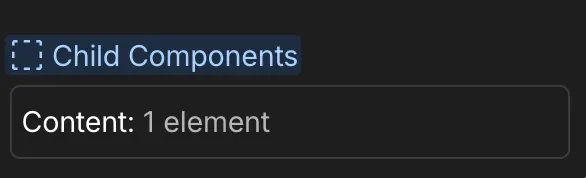
Webflow properties panel
Example
MyComponent.tsx
When to use
Use a Slot prop when you want designers to:
- Insert child components
- Create flexible layout containers
- Build wrapper components
Best practices
- Handle missing children gracefully. Use
isEmptySlotto detect empty slots, and render fallback content next to the slot so it stays a Designer drop target. - Consider layout and spacing for child content
- Test with various component types