

Design Guidelines
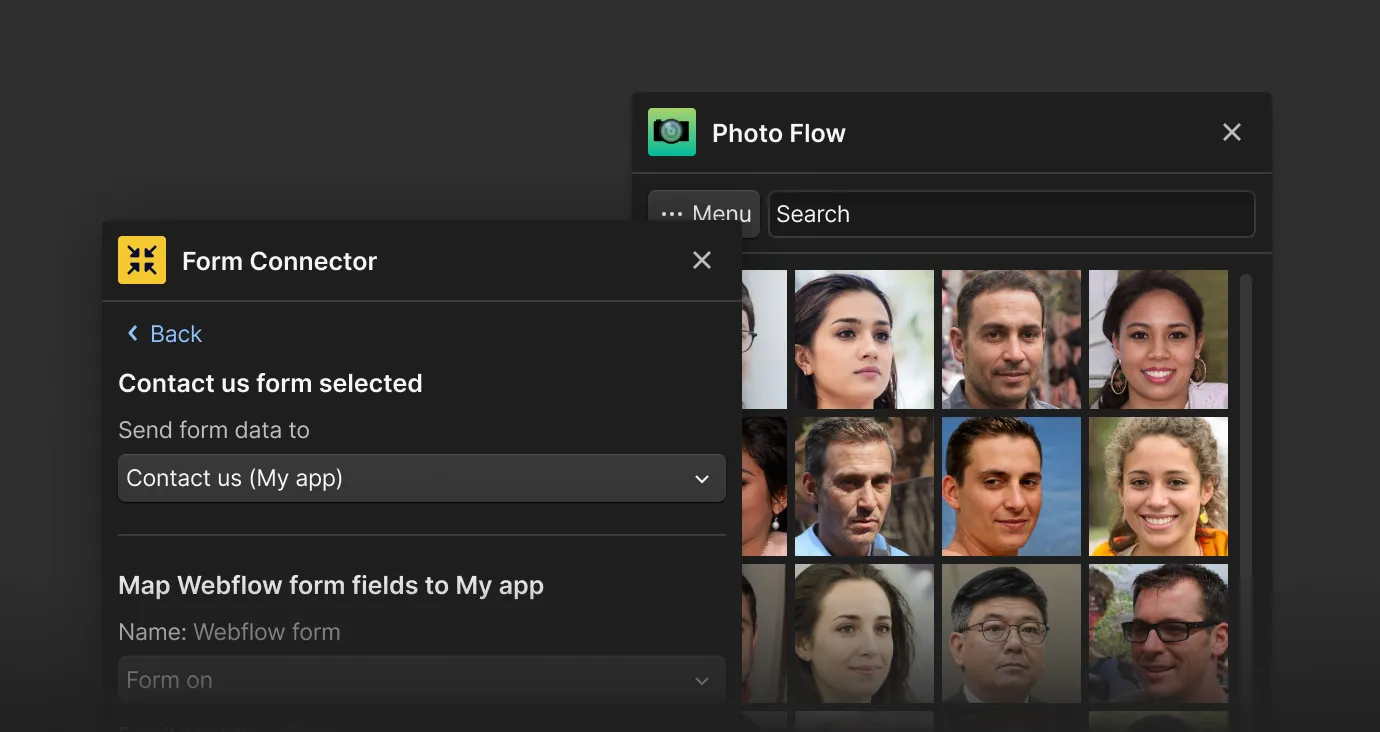
In this guide, we’ll explore essential principles and practical tips to ensure your extensions engage users and seamlessly integrate with the Webflow ecosystem.
By focusing on user-centered design, thoughtful layout strategies, and effective color and typography choices, you’ll create extensions that not only enhance functionality but also delight users. Let’s dive in and discover how to make your extensions feel like a natural part of the Webflow experience. If you’re looking to publish your App on the Marketplace, please review our Design and Usability section of our Marketplace App Guidelines.
We’ve provided a simplified version of our design system with colors, typography, components, patterns, and App examples to help kickstart the design and build of your App. Access the Webflow Apps Figma UI kit here.
Crafting your user interface
Since Designer Extensions run within an iframe, you can use traditional HTML, CSS, and JavaScript to design and develop your user interface like you would any single-page application. You can use frameworks and libraries to help with this process. For instance, you might use React or Vue.js for creating your UI components, and Tailwind CSS or Bootstrap for styling.
Webflow doesn’t require Designer Extensions to feel native to the Designer, but we do believe Apps that feel native will resonate with our customers and provide a higher-level experience.
Design principles
Your UI should adhere to the following key principles:
- Customer-focused: The App’s purpose and value should be defined around the needs of Webflow users. It should solve a unique problem for them.
- Simplicity & approachability: Your App should be simple to use and not require extensive learning to get started. It should complement Webflow’s visual abstraction of code, not complicate it.
- Consistent design: Use consistent design elements like color, typography, and button styles throughout your App. This improves the user experience and makes your App easier to navigate.
- Foster creative momentum: Your App should not hinder the creative process. Avoid unnecessary steps or options that could break the user’s flow state.
- Clear Language: Use clear and concise copy throughout your App. It should guide users and connect the dots between visuals, layouts, and usability.
- Inclusive & Accessible: Strive to make your App accessible to all users. This means ensuring it adheres to accessibility standards and best practices.
Layout guidelines
- Vertical component arrangement: For the narrow, default interface, components should be stacked vertically rather than horizontally.
- Full-width buttons & components: Full-width elements enforce a vertical orientation and make your App easier to scan.
- Avoid horizontal scrolling: Ensure your UI elements fit within the iframe’s width to prevent horizontal scrolling.
- Consistent spacing: Use a consistent spacing rhythm (e.g., multiples of 4px) to create a visually pleasing App. Use white space effectively to create a balanced layout and highlight important information.
- Clear & concise copy: Use sentence case for all text, including headings and buttons. Make error states helpful and actionable, and always strive for clarity over complexity.
- Consistent design language: Use a consistent design language, including typography, color schemes, and button styles. This will create a more cohesive user experience and help users navigate your plugin more easily.
- Iconography: Use recognizable and intuitive icons throughout your App. Icons can help users navigate your App more easily and quickly.
Enhancing with colors & typography
Choose a color scheme that aligns with the purpose and tone of your App. Webflow primarily uses the Inter font for its interface. You can consider adopting it for consistency.
Fonts
To use Webflow’s main font face, Inter, you will need to download the files into your App or access them via Google Font’s API. Access Inter font family on Google Fonts.
CSS variables
To design and build an App that feels native to Webflow’s Designer, you can use the following Webflow hosted CSS variables. These variables will automatically adjust based on a users Appearance settings. Implement these by calling them in your CSS selectors with the var() function.
You can also find CSS variables for all themes in the Webflow Apps CSS GitHub repository.