

Optimize methods in the Browser API
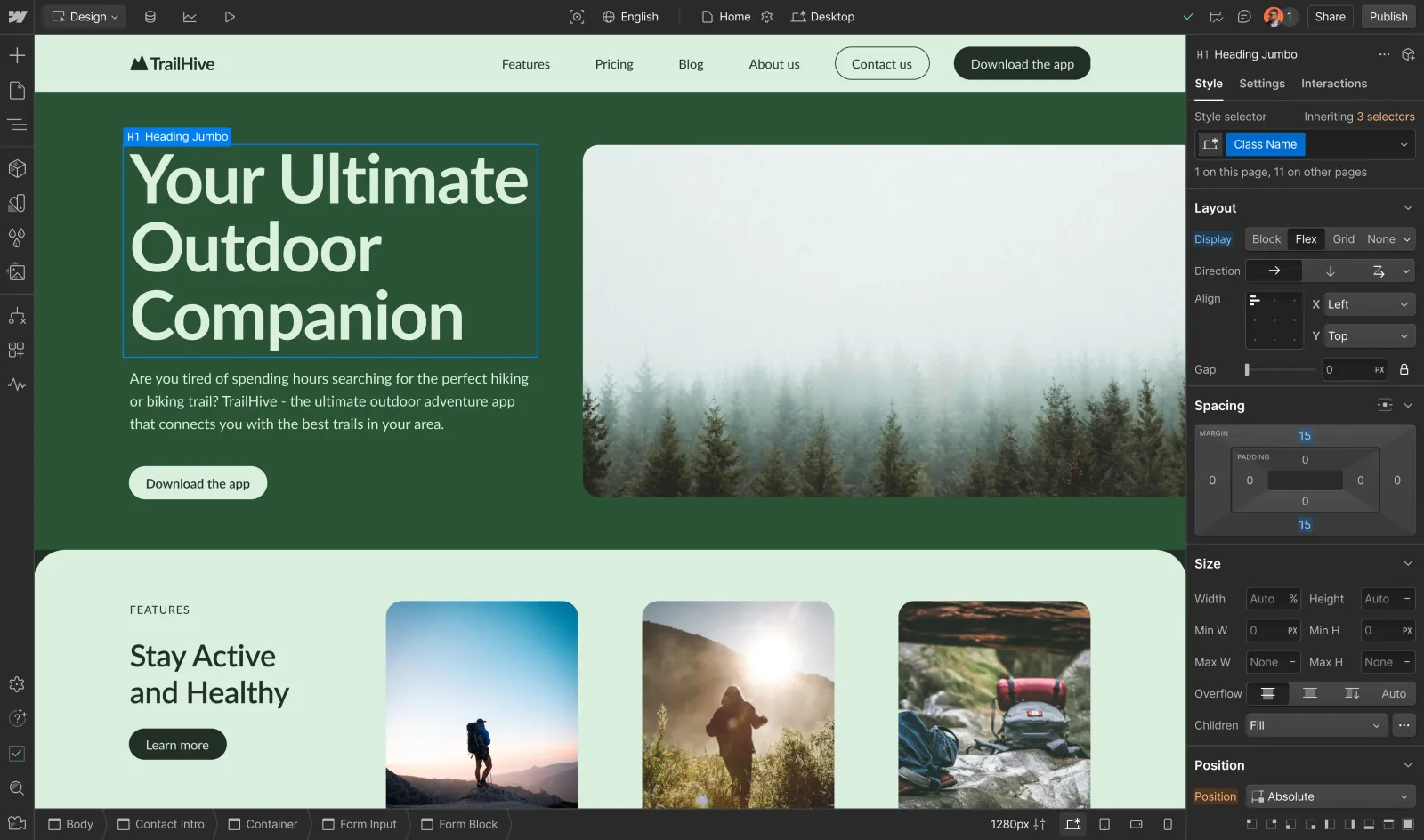


Webflow Optimize enables you to customize the version of a page shown to visitors based on their characteristics. Think of it as a supercharged A/B testing tool that enables you to test numerous variations of your site to dynamically personalize a visitor’s experience based on their attributes.
Optimize methods in the Browser API
The Browser API includes Optimize-specific methods that enable you to extend this functionality to incorporate other tools you may use to track audiences and goals. With these Optimize methods, you can:


Send variations from Optimize experiments to third-party tools


Set custom attributes to personalize experiences based on user behavior and data
Get started with the Optimize in the Browser API


FAQs
What are the Optimize methods?
The Optimize methods are JavaScript functions available through the Webflow Browser API’s wf namespace that enable you to track optimization variations and manage custom user attributes.
You can use methods like wf.onVariationRecorded() and wf.setAttributes() to send Webflow Optimize data to third-party analytics and marketing tools, helping you better understand user behavior and personalize experiences.
Is the Browser API already installed on my site?
The Webflow Browser APIs and Optimize methods are automatically available on all Webflow Optimize enabled sites with no manual installation required. See the Quickstart guide for more information.
How can I use the Optimize methods?
The Optimize methods are available through the global wf object in your browser. You can access them through custom code in your site’s pages or through services like Google Tag Manager. The APIs can be called from any JavaScript code running on your site. See the Quickstart guide for more information.
Looking for more information?
Visit the Webflow Help Center to learn more about Optimize features, including experiments, personalization, and analytics. The Help Center provides detailed guides on:
- Setting up and configuring Optimize experiments
- Creating and managing audience segments
- Analyzing test results and insights
- Best practices for running effective experiments
- Enterprise-specific features and capabilities
You can also explore Webflow University for additional tutorials and resources on making the most of Webflow Optimize.