

Working with Localization
Webflow Localization is end-to-end solution for customizing your website for visitors around the world – from design to translation to publishing. With these APIs, your Apps can make dynamic content updates and enable custom localization workflows, providing scalability for growing businesses that are looking to enhance global user engagement and optimize performance for international audiences.
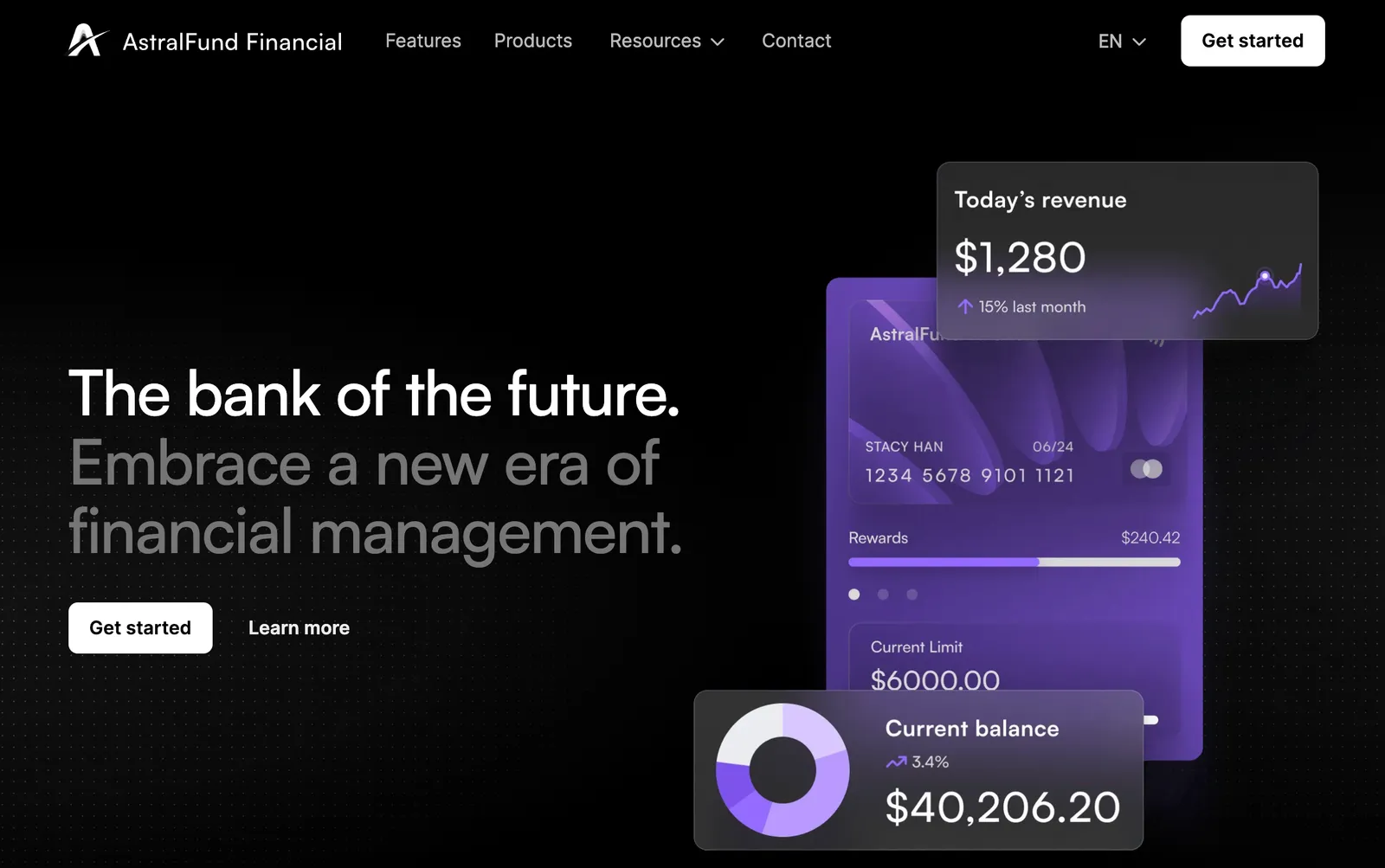
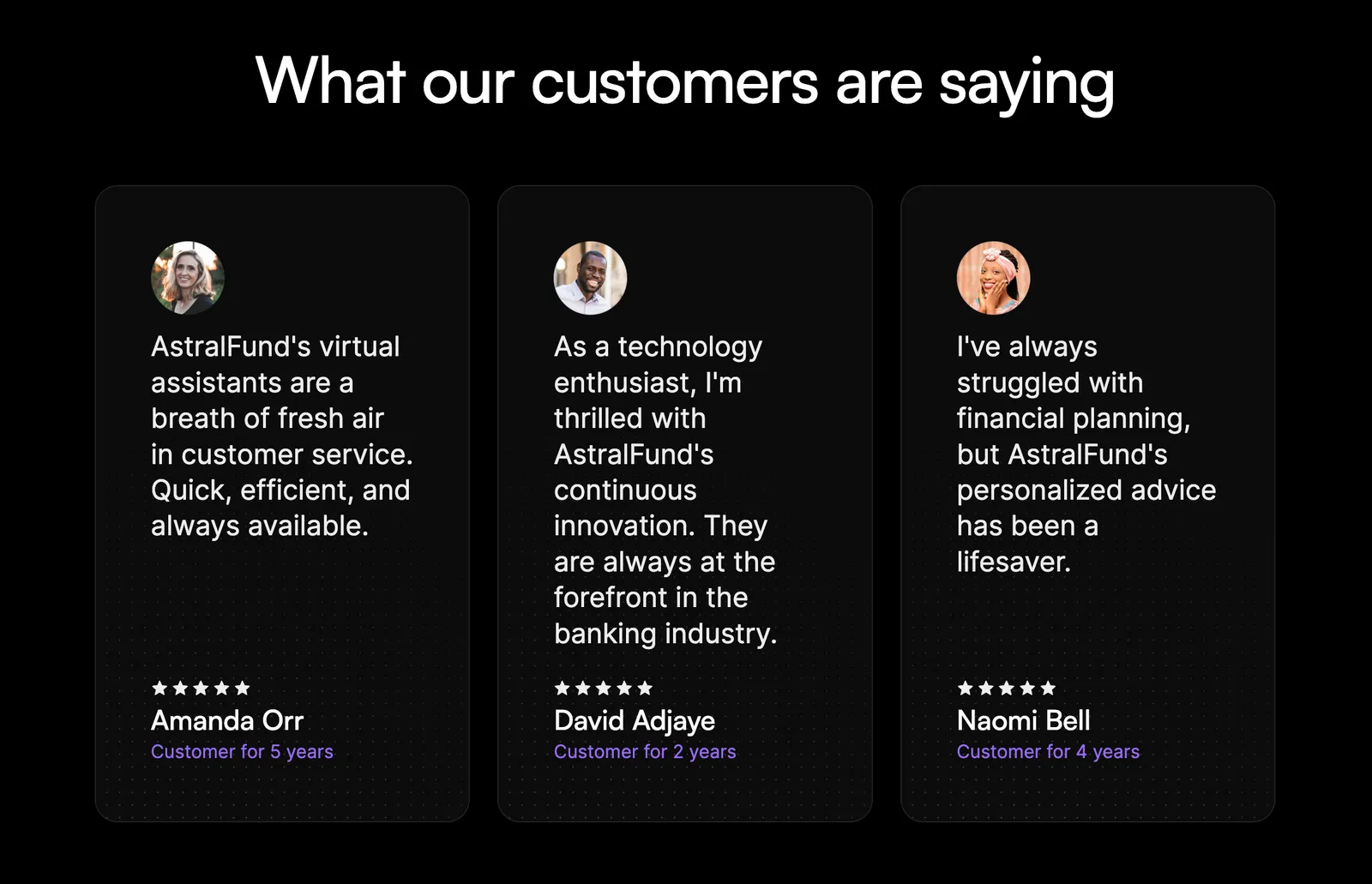
Let’s look at an example. AstralFund is an imaginary bank that serves two locales – the United States and France. To properly address each market’s needs, the bank needs to localize content throughout the site. In the images below, we’ve localized some content. In this tutorial, we’ll walk through how to localize the entire site.
Primary Locale
Secondary Locale
United States 🇺🇸
The site’s primary locale is set to the United States with content in English.
What we’ll build
In this tutorial, we’ll walk through the process of localizing content for a French audience on a website. By the end of this tutorial, you’ll have a fully localized “Contact Us” page and a new testimonial that resonates with your French audience. You’ll learn how to:
- Identify primary and secondary locales within Webflow.
- Localize the DOM elements like text and images.
- Optimize SEO data for different locales.
- Manage CMS content across multiple locales.
Prerequisites
-
Localization Example with code samples and localized data
-
Webflow site plan that supports CMS
-
Webflow App or a Site Token with the following scopes:
sites:read,cms:read, andcms:write -
Some knowledge of HTTP requests and JavaScript
1. Clone AstralFund and Identify Localization Opportunities
- Clone the AstralFund site to your Webflow account, and add it to a Workspace used for testing.
- Publish the site to set it live.
- Navigate to the French locale to see the localized French homepage.
- Navigate to the Contact page in French. Note the content that is not yet localized. We’ll fix this by localizing the navigation bar, contact content, form, footer, and SEO data.
2. Set up the Development Environment
-
Clone the Example Repository
Clone the example repository and install dependencies. -
Authenticate with your Bearer Key
Make sure you have a valid Bearer Key that is authenticated for your new site. You can do this by authenticating through our API reference docs. Once you have your Bearer Key, store it in your.envfile asWEBFLOW_API_TOKEN.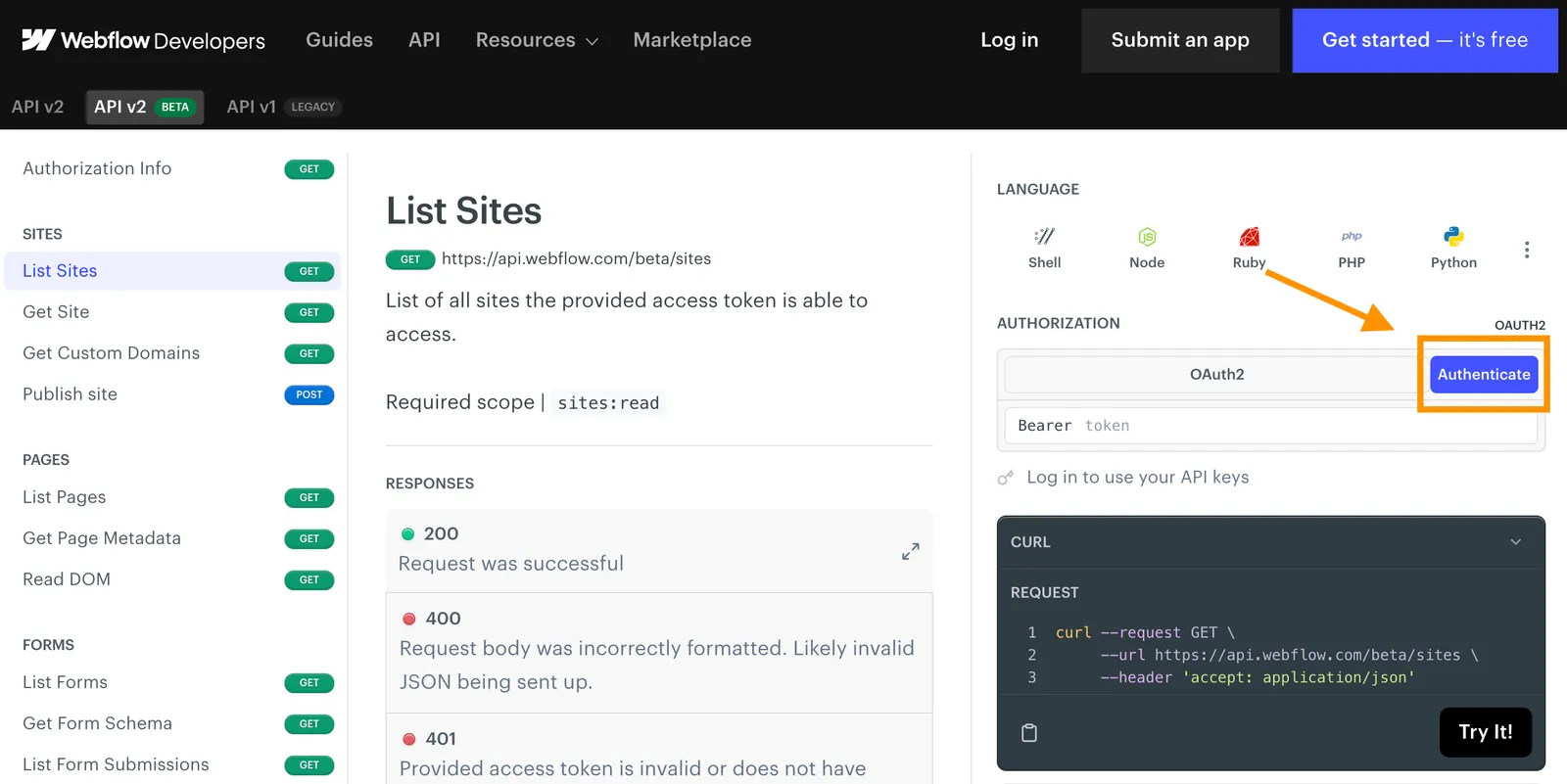
-
Create
localization.js
There’s a full example of all the steps below inindex.js. However, if you’d like to follow along with this guide, create a new file calledlocalization.js, and include the following imports of the translated content, as well as the Webflow Javascript SDK.localization.js -
Initialize the API
Create an asynchronous function, and initialize the API using the Webflow JavaScript SDK:localization.jsAfter each step, you can run the file by typing the command
node localizationto see your progress.
3. Retrieve Locale Identifiers
In this step we’ll retrieve the site and locale identifiers, so that we can make locale-specific requests to our site.
-
Call the List Sites endpoint to find your
siteIdandlocaleinformation.
Replace thesiteNamevariable with the name of your cloned site.JavaScript -
Extract the
localeIdfor both English and French from the Site object:- Notice the
localesparameter, which returns aprimarylocale, and an array ofsecondarylocales. - Each locale has useful information like the language, location, and more.
- In addition to a specific
localeId, each locale also has acmsLocaleId.
localization.js - Notice the
4. Localize Page Content
In this step, we’re getting the content from a static, primary page, and uploading a translated version to our locale-specific page.
-
Get the
page_idof the Contact Us page using the List Pages endpoint.JavaScript -
Get the content of the Primary Locale using the Read DOM endpoint.
This will return all content that can be localized from a static page, which we can then translate for our locale-specific page.📘 As of Sep 22, 2023, we only support writing to Text and Rich Text to the DOM. We do not support updating images via this API.
-
Modify the content to include localized versions of the nav bar, contact content, form, and footer.
We’ve provided a localized DOM for you with
./helpers/Contact Us - French.json. From this example, create a DOM write object, with an array of DOM Nodes and thecmsLocaleId../helpers/Contact Us - French.json -
Update the content of the French locale by making a
POSTrequest to the Update DOM endpoint.
Be sure to include thelocaleIdin thelocalequery parameter.JavaScript
5. Update SEO Data
In this step, we’ll update the SEO metadata for the French version of the page.
-
Retrieve the primary page’s SEO data via a
GETrequest to the Get Page Metadata endpoint.Request
Response
JavaScript -
Translate the data so that it’s relevant for the French audience.
We’ve provided localized information for you with
./helpers/seoData.json../helpers/seoData.json -
Update the SEO Data for the French locale via a
POSTrequest to the Update Page Metadata endpoint.Be sure to enter the
localeIdin thelocalequery parameter.JavaScript
6. Manage Testimonials with the CMS
To demonstrate AstralFund’s commitment to the French market, we’ll translate the existing testimonials, and create a French-specific testimonial from a French regulatory authority.
-
Get existing testimonials and translate them using our provided translation.
Javascript -
For each translated testimonial, update the CMS item via the Update Collection Item endpoint. Be sure to include
cmsLocaleIdin the Item.JavaScript -
Create a French-only testimonial using our provided translation.
7: Appreciate your beautifully localized site! 👏
Congratulations! You’ve localized your AstralFund site! Take a look around the site and see what other opportunities you have to localize content.
Primary Locale
Secondary Locale
United States 🇺🇸
The site’s primary locale is set to the United States with content in English.