

Page Structure
Page Structure
The Webflow CSS Framework uses a semantic and component-based layout system. Here’s a typical page layout using semantic tags:
Page – Tag: Body, Selector: Body (All Pages)
Navigation – Tag: nav, Selector: Nav Menu
Section – Tag: section, Selector: Section
Container – Tag: div, Selector: Container
Layout – e.g., Grid, Flex, Card
Footer – Tag: footer, Selector: Footer
Page structure:
Section
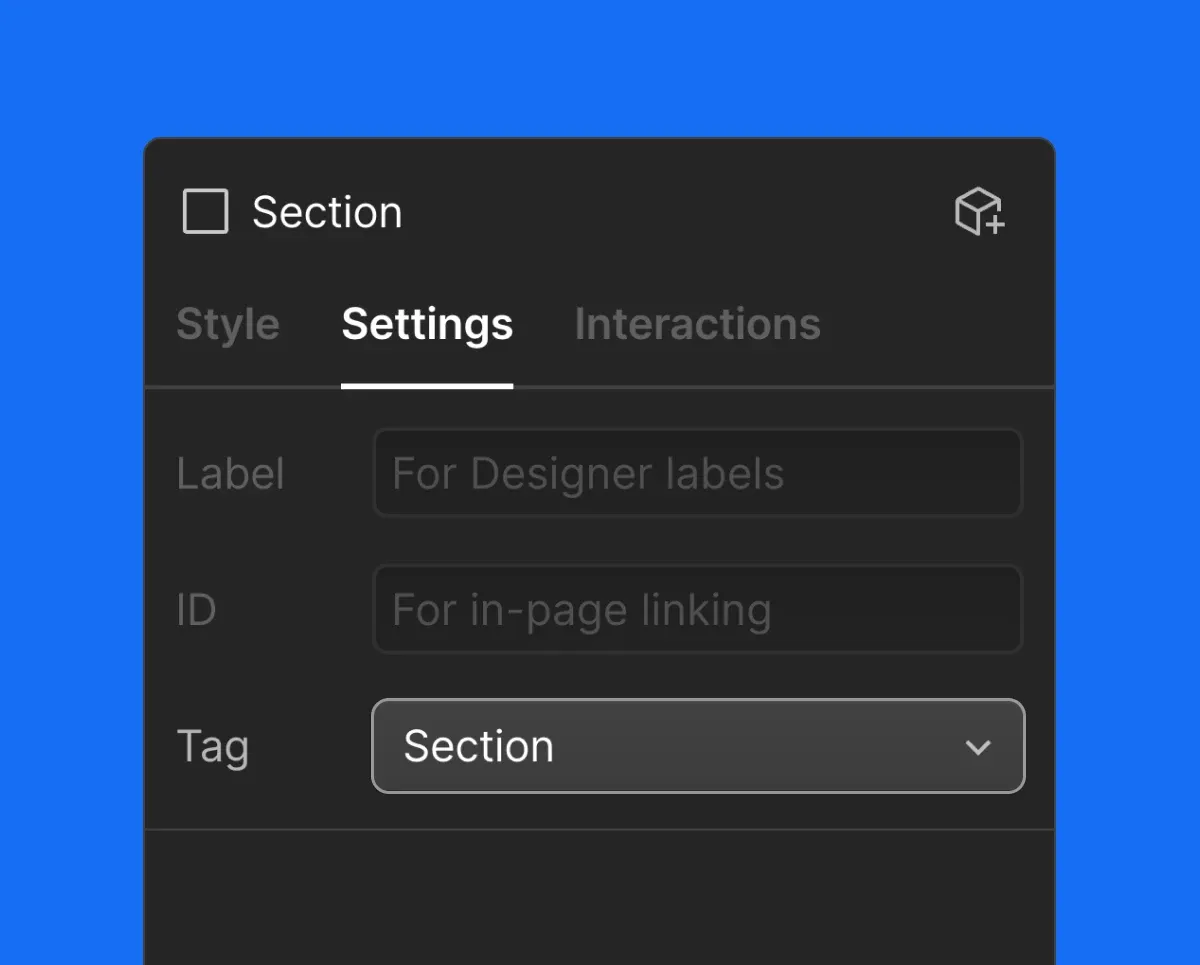
Sections are the core layout blocks of a page. Each section must use the semantic Section tag, which can be set in the Webflow Settings Panel.
Variations
The main class Section sets the section’s structure and default padding. Variations are applied with combo classes to adjust background and font colors.
Combo classes follow the pattern: Section Variation Name Section
- Section Secondary Section
- Section Accent Primary Section
- Section Accent Secondary Section
- Section Accent Tertiary Section
- Section Inverse Section
Padding
The Section class includes vertical padding by default. Use utilities to adjust:
Container
The Container class centers content and applies a max-width with internal horizontal padding. It ensures consistent alignment across all layouts.
These combos classes adjust the width:
Padding Control
Adjust internal padding using utility classes:
- [Utility] Padding Horizontal 0 — removes side padding
Navigation
The navigation bar uses the semantic nav tag and a base class Nav.
Navigation is adopting to the background color using combo classes:
- Nav Accent Primary Nav
- Nav Accent Secondary Nav
- Nav Accent Tertiary Nav
- Nav Inverse Nav
- Nav Secondary Nav
Footer
Footer uses footer semantic tag and class Footer.
Footer aslo adopting to the background color using combo classes:
- Footer Secondary Footer
- Footer Inverse Footer
- Footer Accent Primary Footer
- Footer Accent Secondary Footer
- Footer Accent Tertiary Footer
Every footer variation has a combo class for a footer link Footer Link Surface Name Footer Link