

How it works
The Webflow MCP server implements Anthropic’s Model Context Protocol specification to standardize communication between AI agents and Webflow’s APIs. This allows you to interact with your Webflow projects using natural language in any MCP-compatible AI tool.
Architecture
The MCP server acts as a translation layer between AI agents and Webflow’s APIs. When you prompt your AI agent, the server:
- Receives the request from your AI tool (Claude Desktop, Cursor, etc.)
- Translates the intent into specific Webflow API calls
- Executes operations on your sites using OAuth-authenticated access
- Returns results back to your AI agent in a structured format
Remote deployment
The server runs remotely at https://mcp.webflow.com/mcp to enable OAuth authentication. This approach provides several benefits:
- No local credentials: Authorize multiple Webflow sites without storing API keys on your machine
- Secure access: Token-based authentication with automatic refresh
- Easy updates: Server improvements deploy automatically without reinstalling
Webflow MCP Bridge App
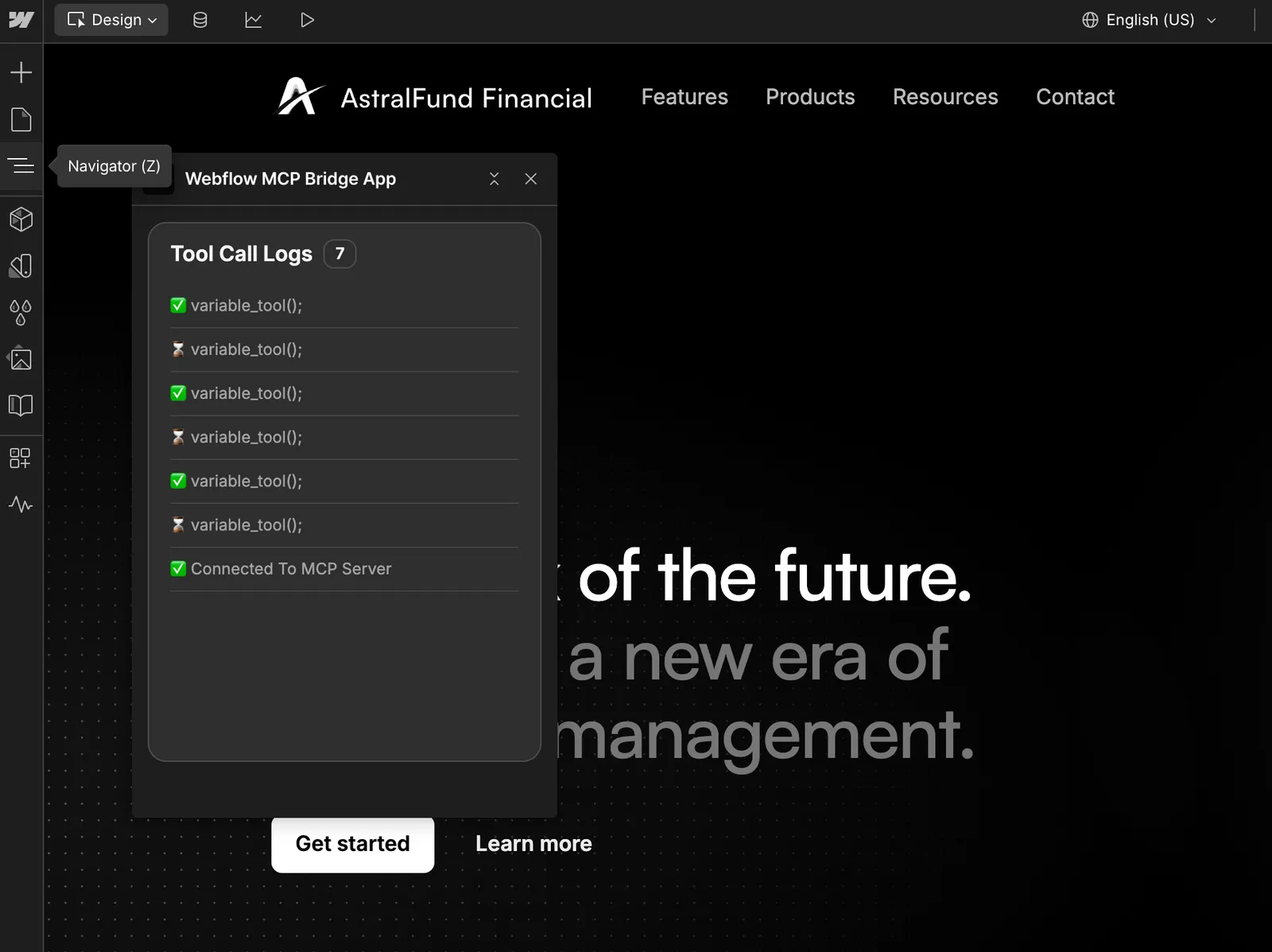
The MCP Bridge App installs automatically to your authorized sites during OAuth authorization. It connects a live Webflow Designer session to the MCP server.
Most of the server’s work runs through the Data API and does not need the Bridge App. This includes creating and editing elements, components, styles, and variables, and managing CMS content, pages, assets, fonts, and other site data.
The Bridge App is required only for capabilities that depend on a live Designer session:
- Capturing visual snapshots of elements
- Reading or changing the current selection, page, mode, and branch
- Navigating the Designer canvas and reading the site’s breakpoints
To use these, open your site in the Webflow Designer, launch the Webflow MCP Bridge App from the Apps panel, and wait for it to connect to the MCP server. You can minimize the App once it connects, but it must remain open for these capabilities to work.
MCP resources
In addition to tools, the Webflow MCP server exposes MCP resources. Resources are read-only content that supported clients can load directly into context without calling a tool.
The Webflow Guide tool, which describes how to use Webflow’s APIs and the MCP server, is available as a resource to agents.
In clients that support resource references, such as Claude and Cursor, you can @-reference the Webflow Guide in a prompt to pull it into context before the agent starts working.
Agent Instructions
Agent Instructions are markdown-based skills and rules that give agents custom guidance for working on a site. The MCP server provides a site’s Agent Instructions to connected agents automatically, so an agent is likely to follow them when it works on that site.
Unlike the agent skills you install in your own client, Agent Instructions live on the site itself, and the MCP server provides them to any connected agent.
Agent Instructions can reference Webflow primitives, such as variables, styles, components, pages, CMS collections and items, locales, and other instructions. These references resolve server-side against the site’s own data, so they reflect the current state of the site rather than the contents of a single library.
Shared Libraries can also distribute Agent Instructions across a workspace. This lets design-system instructions travel alongside the resources they reference.
Mode awareness
The MCP server reports the current Webflow Designer mode in tool responses so that agents can adjust their behavior to what the active mode allows.
Tools that are not available in the current mode return a ModeForbidden error.
Tool descriptions include the modes in which each tool can run.
Governance
The MCP server enforces your Webflow permissions and roles, including custom roles. An agent can do through the MCP server only what you can do in the Webflow Designer, and nothing more.
The MCP server also records the changes that agents make in the site’s activity log. This gives teams a clear trail of agent activity, so granting site access to external agents stays safe and governed.